
Creative Business HQ | iPad Notion Business Planner, Small Business Dashboard & Digital Organizer
Take your creative business with you — all in one beautiful Notion workspace.
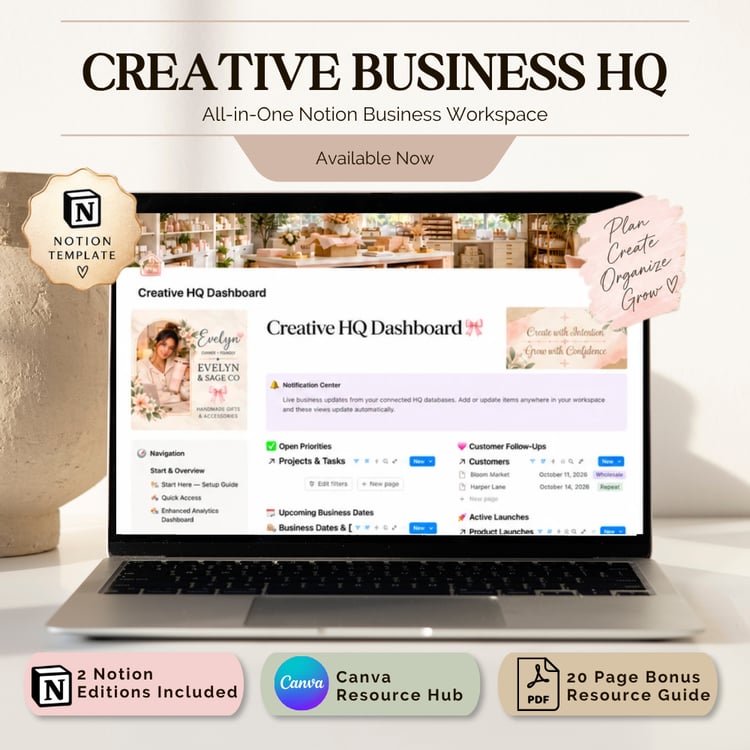
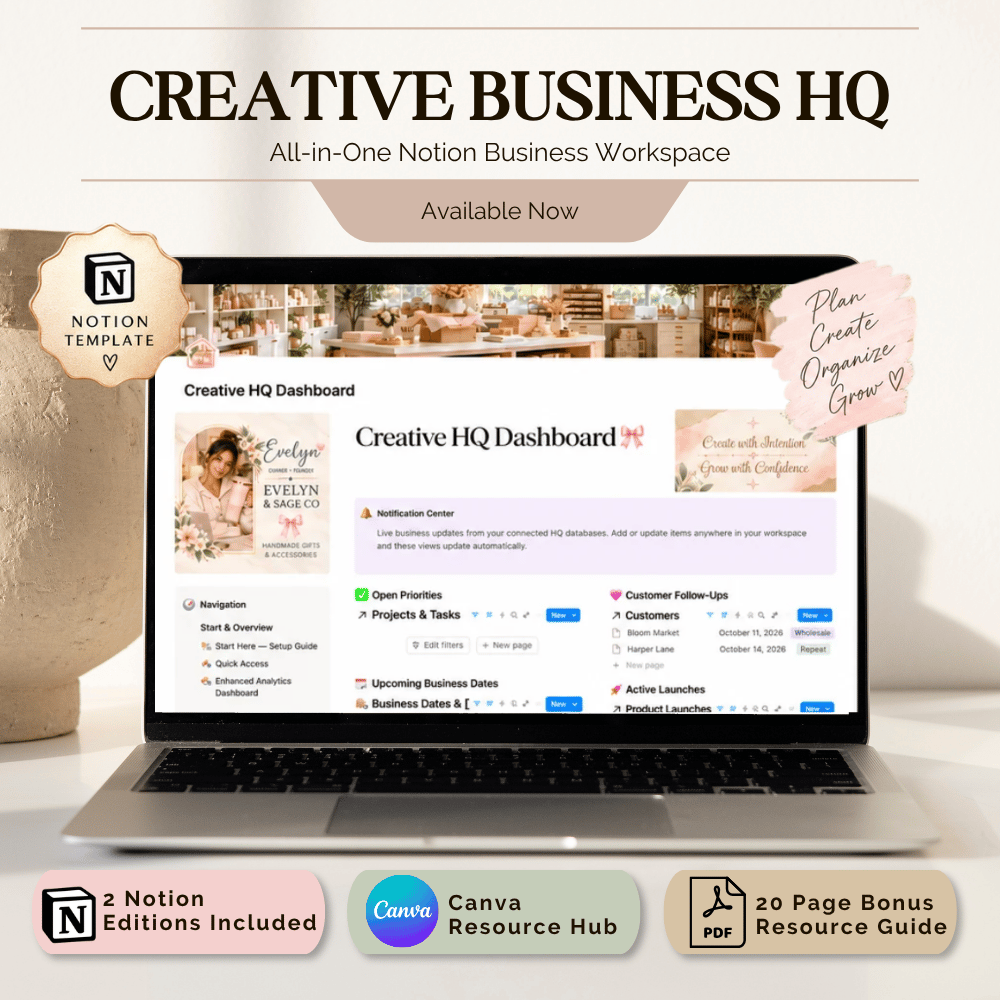
Creative Business HQ is an all-in-one digital business planner designed for makers, creators, Etsy sellers, handmade business owners, and creative entrepreneurs who want their business systems to feel as organized as they look.
Use Creative Business HQ from your iPad, tablet, desktop, laptop, or phone to manage the everyday pieces of your business without bouncing between scattered apps, notes, spreadsheets, and planners.
Please note: Creative Business HQ is a Notion template, not a standalone iPad app. A Notion account is required.
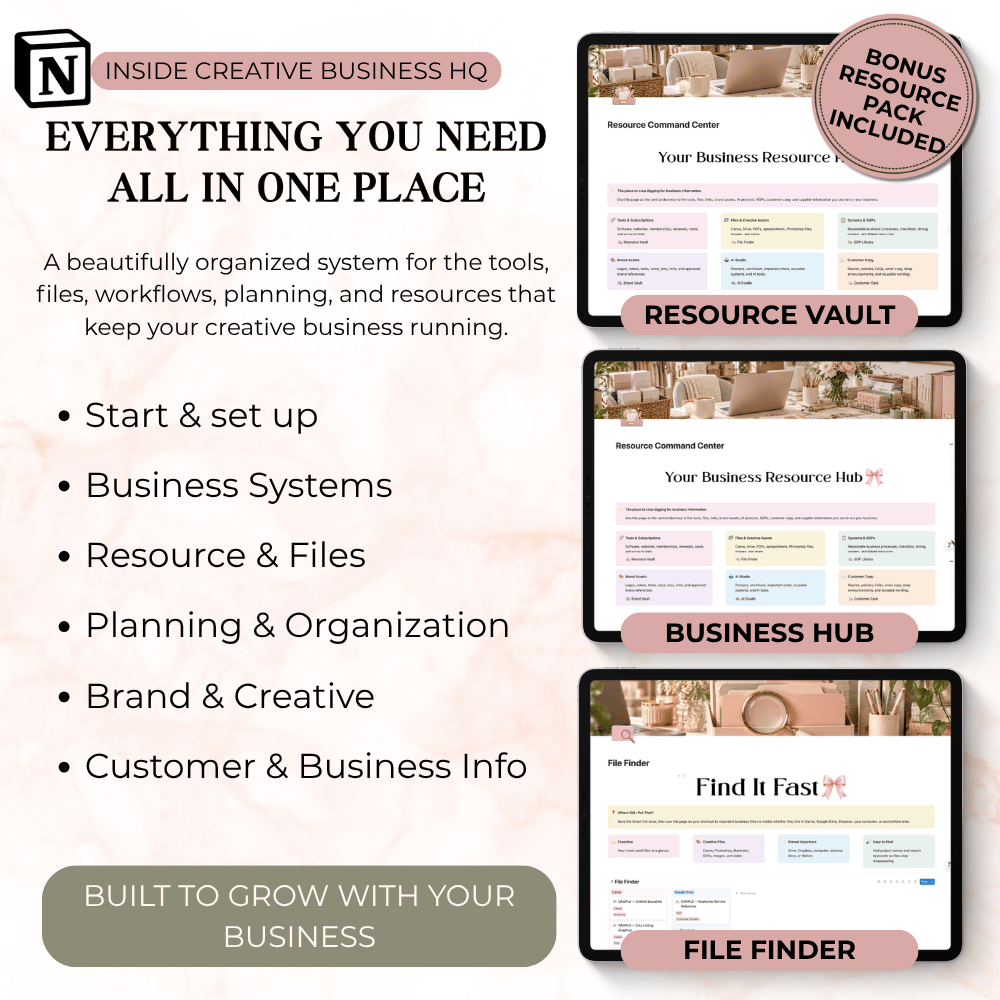
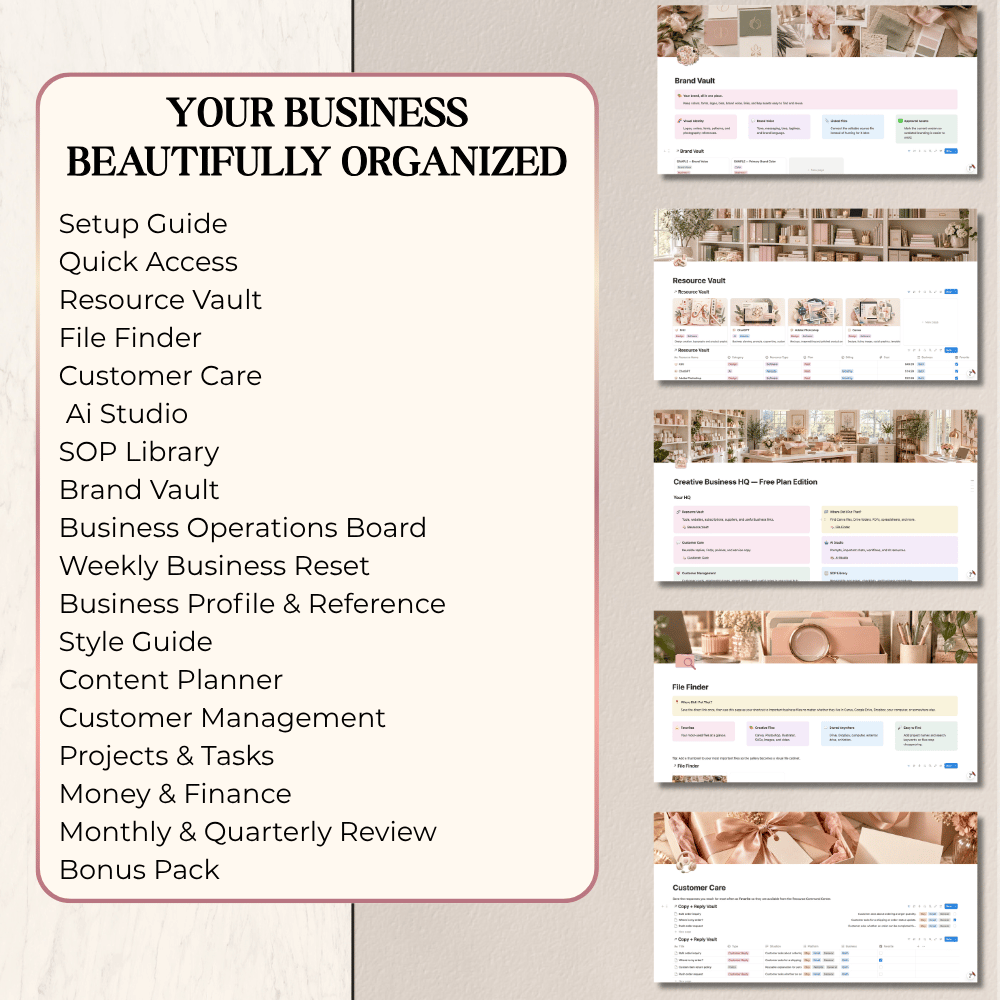
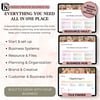
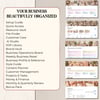
Everything your business needs in one place
Use Creative Business HQ to manage:
• Projects & Tasks
• Customer Management / CRM
• Income & Expenses
• Content Planning
• Product Launches
• Business Operations
• Customer Follow-Ups
• Important Dates & Deadlines
• Weekly Planning & Reset
• Monthly & Quarterly Reviews
• Brand Assets
• SOPs & Business Processes
• Business Resources
• Files & Links
• AI Prompts & Resources
• Goals, priorities and planning
Your dashboards and connected databases work together so important information stays easy to find.
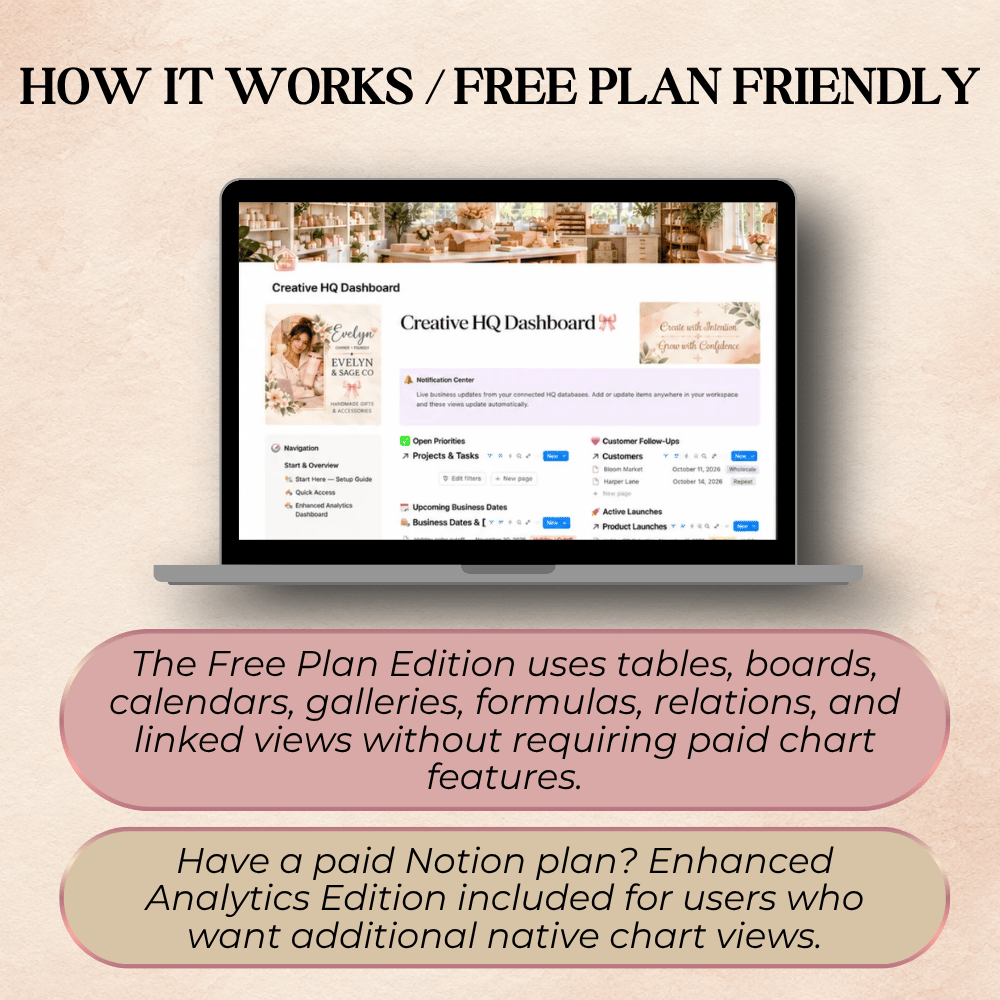
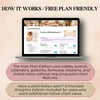
Both Notion editions are included
🌿 Free Plan Edition
Designed to work with a free Notion account and includes the complete core Creative Business HQ system.
📊 Enhanced Analytics Edition
Includes the complete workspace plus visual analytics dashboards and connected charts for customers using compatible paid Notion features.
You receive both editions with one purchase.
Start with the Free Plan Edition and move to Enhanced Analytics later if your Notion plan changes.
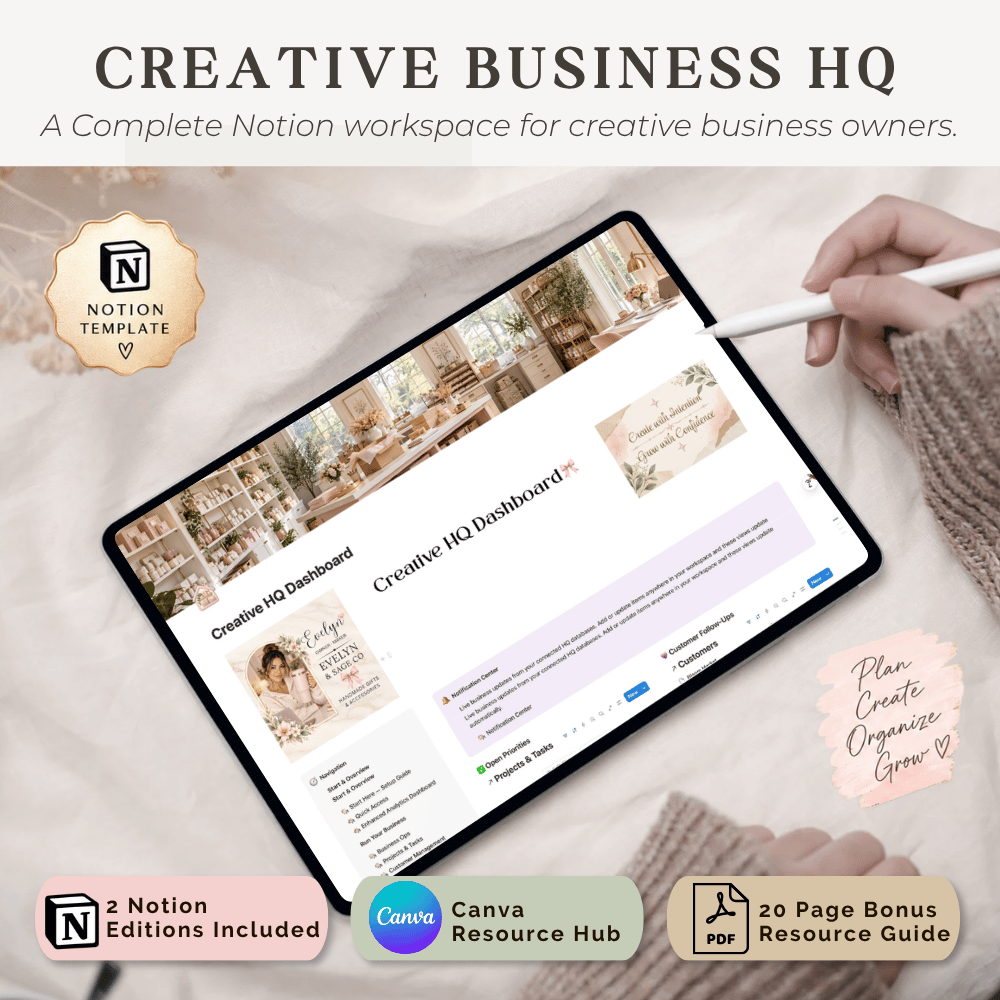
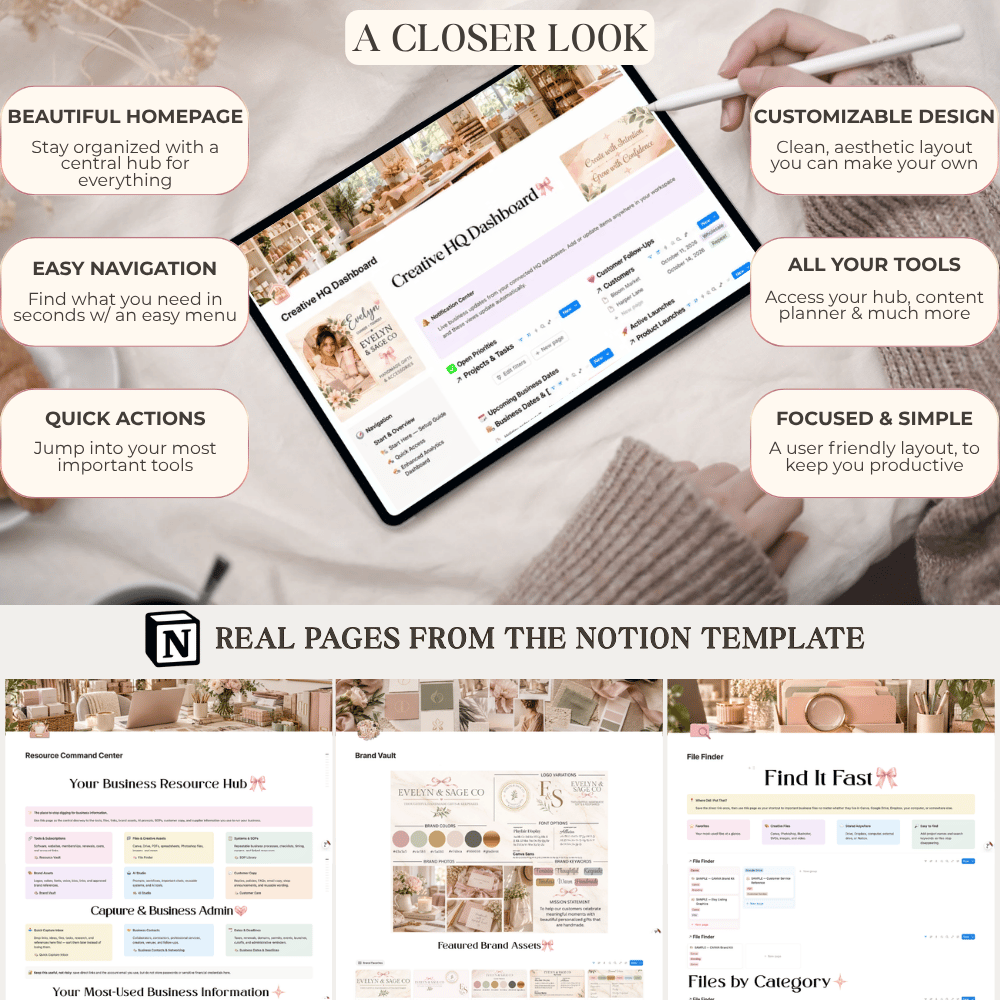
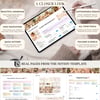
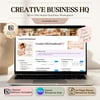
Beautiful on iPad, desktop & mobile
Creative Business HQ was designed to feel like a polished digital command center you’ll actually enjoy opening.
Access your workspace from:
• iPad or tablet
• Desktop or laptop
• Mobile Notion app
• Web browser
Your information stays inside Notion, so you can move between devices without maintaining separate planners.
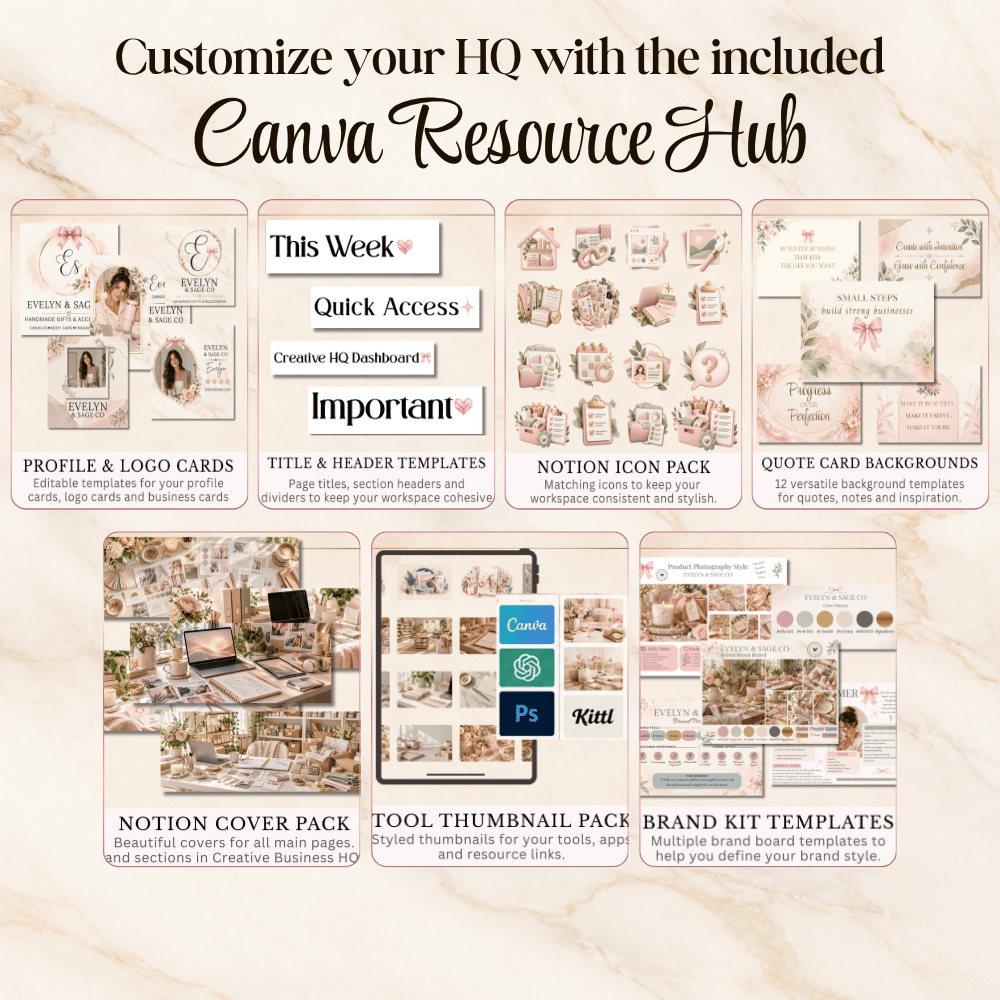
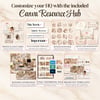
Canva Resource Hub included
Make your workspace feel like your business.
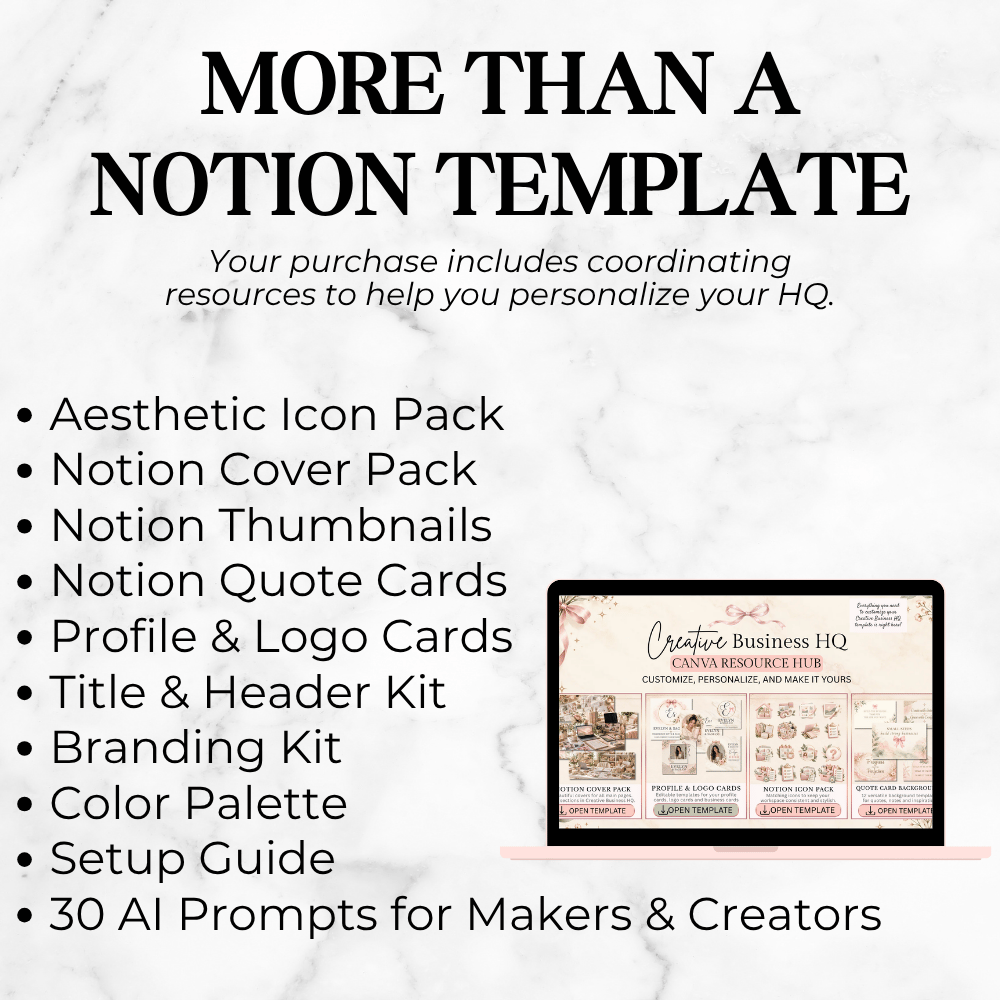
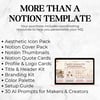
Your purchase includes coordinating Canva resources such as:
• Notion cover templates
• Icons
• Dashboard and page headers
• Thumbnail templates
• Profile and logo cards
• Brand-kit resources
• Color palette resources
• Quote graphics
• Additional styling elements
The styled business shown in the product images is example branding designed to demonstrate what customization can look like.
20+ page Bonus Resource Guide
You’ll also receive a detailed Bonus Resource Guide containing:
• Quick Start Guide
• Setup instructions
• Sample-data guidance
• Business setup worksheets
• Workflow map
• Product launch checklist
• Order fulfillment checklist
• AI prompts for makers and creators
• “What Goes Where?” database cheat sheet
• Canva Resource Hub access
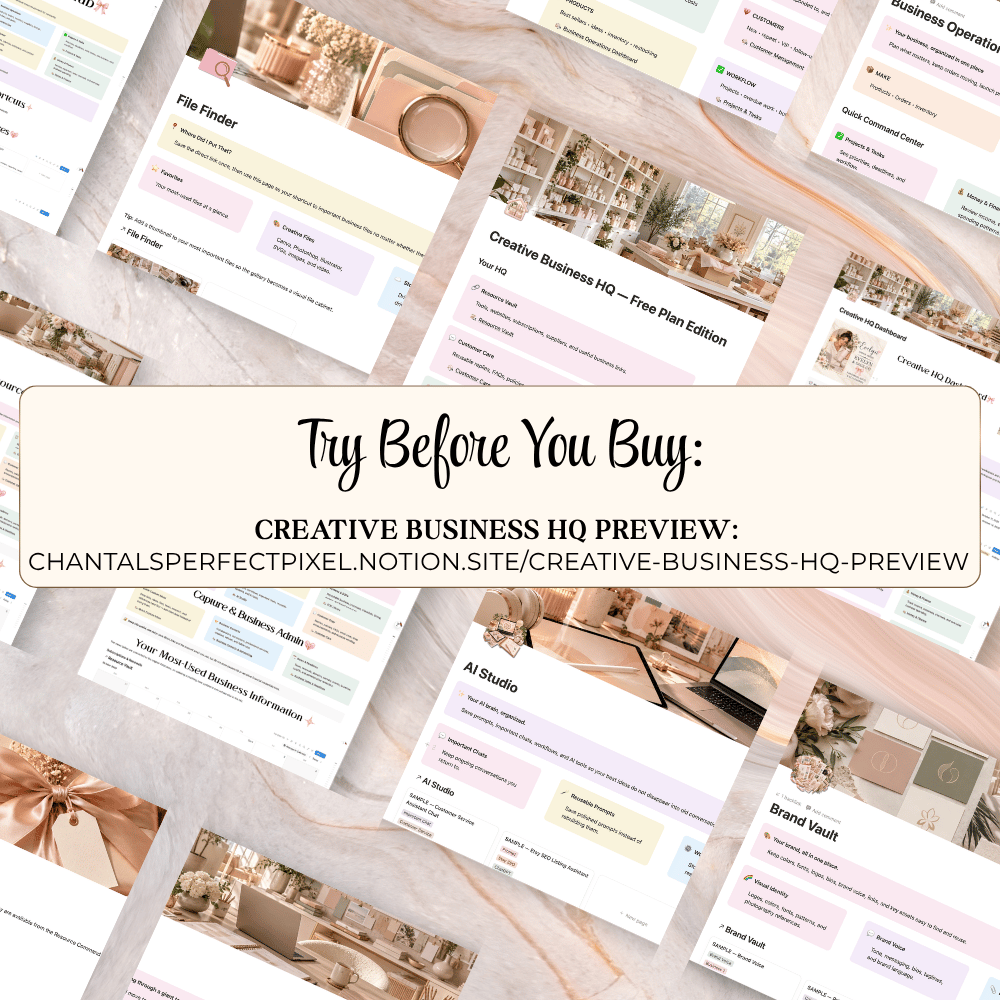
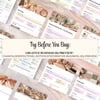
See the workspace before purchasing
LIVE PREVIEW
https://chantalsperfectpixel.notion.site/creative-business-hq-preview
The preview is view-only. Your purchase includes your own duplicatable copies of the template.
Sample data included
Creative Business HQ arrives with example customers, tasks, finances, launches, dates and other sample records so you can immediately understand how the system works.
Demo entries marked SAMPLE — can be deleted or replaced as you begin adding your own business information.
How it works
- Purchase Creative Business HQ.
- Download your access PDF.
- Choose the Free or Enhanced edition.
- Duplicate it into your own Notion account.
- Open the Canva Resource Hub and bonus resources.
- Replace sample records with your own business information.
- Customize your HQ to fit your business and brand.
Requirements
• A Notion account is required.
• Free Notion works with the Free Plan Edition.
• Compatible paid Notion features are required for Enhanced Analytics charts.
• A Canva account is recommended for editing the included visual resources.
• Internet access is required.
Digital product notice
This is a digital product only. No physical item will be shipped.
Please review the product images, live preview, description, and software requirements before purchasing.
License
For use by the original purchaser and their own business only.
You may customize the template for your own business use.
You may not resell, redistribute, share, sublicense, reproduce, or give away the Notion templates, Canva resources, Bonus Resource Guide, or included design assets.
© Chantal’s Perfect Pixel. All rights reserved.